
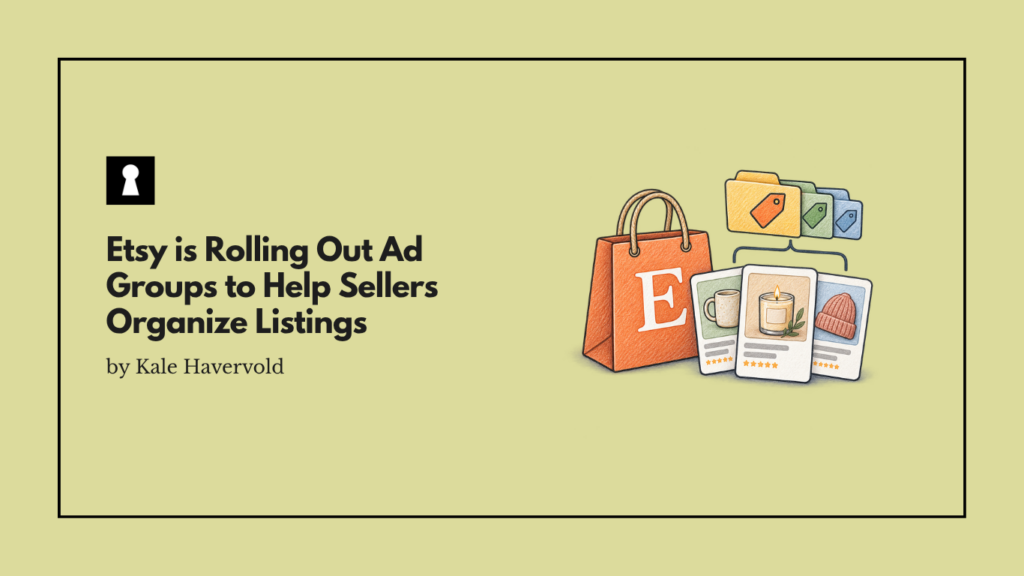
As Etsy is making moves to expand how much control sellers have in its advertising platform, it just rolled out ad groups, which give sellers a brand-new way to organize their listings. Creating ad groups and adding listings to them is easy, and there are several ways sellers can use this feature to gain greater visibility and more insights.
However sellers want to use this new feature, whether to run tests, group listings by category or goal, or track performance, it should help them maintain more control over their listings. It also offers much more flexibility than Etsy’s old system ever did.
Etsy Rolls Out Ad Groups
Etsy is giving sellers a new way to organize and manage their advertised listings by rolling out the ad groups feature. This feature lets sellers group their listings in up to 20 different groups, and while you can easily move listings from group to group, they can only reside in one group at a time.
This is a major change from how advertising on Etsy used to work for sellers, and it gives them more flexibility. Instead of having all products in a single campaign and being forced to analyze or track their catalog all at once, this functionality lets sellers group listings any way they want, such as by product type, new launches, best-sellers, or even to separate seasonal products.
This helps to simplify campaign management, speeds up strategic testing, and also makes it possible to identify categories and/or products that are ad budget drains. The feature may also help isolate data, optimize your ad spend, and compare performance between different groups without worrying about things like data overlap.
Etsy has clearly been taking steps to expand the controls available within its advertising program, as this new rollout of ad groups follows the release of the Listing Strategies advertising tool from a few months ago.
It’s also another feature that shows that Etsy is looking out for its sellers and trying to improve their experience. For example, the move comes only a few months after the platform announced new purchase protection changes for sellers.
How to Create Ad Groups on Etsy
Creating ad groups on Etsy is straightforward. To do it on Etsy.com, you need to go to Shop Manager, choose Marketing, click on Etsy Ads, and then select Create ad group, which is under the Listings tab. From there, just select Add a group, enter the name, and save it.
To create ad groups on the Etsy Seller App, begin by selecting More, tapping Marketing, and choosing Etsy Ads. After that, select the filters icon under the Listings tab, select Create ad group, click Add a group, and then enter the group name before saving.
If you need to change anything about your ad groups, all you need to do is either navigate to Listings, choose the Ad group dropdown, and click Manage ad groups, or click Manage your ad groups under Settings.
To assign listings to an ad group, you can either select a listing and select Add to ad group, or check the box next to each listing and choose the Ad group dropdown.
Our Take
Putting More Control In The Hands of Etsy Sellers
Compared to the old Etsy advertising system that gave sellers limited control, this new capability opens up several more options for sellers, which is never a bad thing. Having more control over your advertising as an Etsy seller lets you better manage your budget, see which listings are performing the best (and the worst), and stop yourself from wasting ad dollars.
Sellers can easily segment their inventory, sort them in whatever way they wish, move listings between groups at any time, and instantly see how a specific batch of items is performing compared to the rest of their catalog.
There’s also no more spreadsheet chaos, as you can view the isolated performance metrics for a single group, rather than manually scrolling through every listing until you find the ones you actually want to analyze.